
Rocket Racer1.0.5 - Google Play
You'll be able to see results in few seconds.
Publisher Description
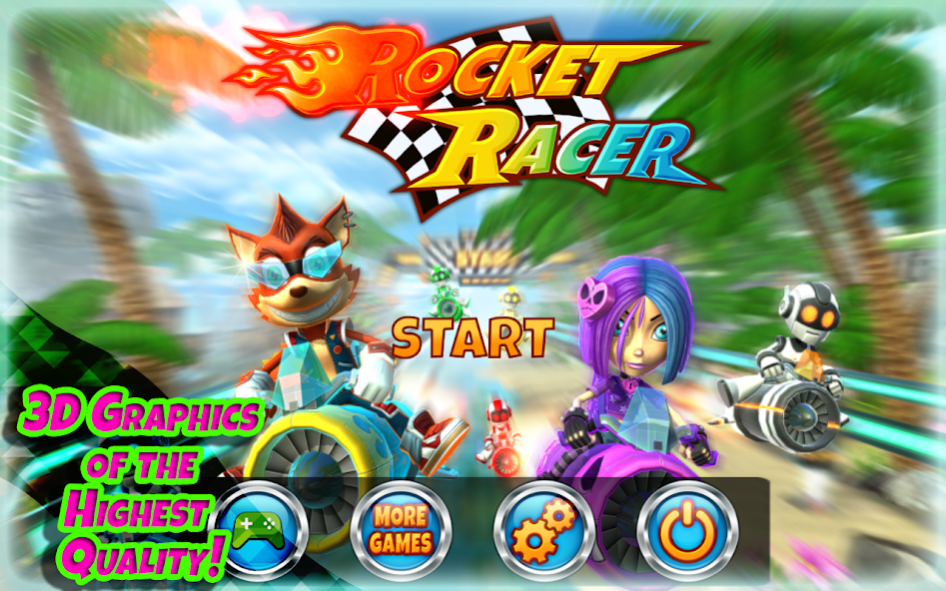
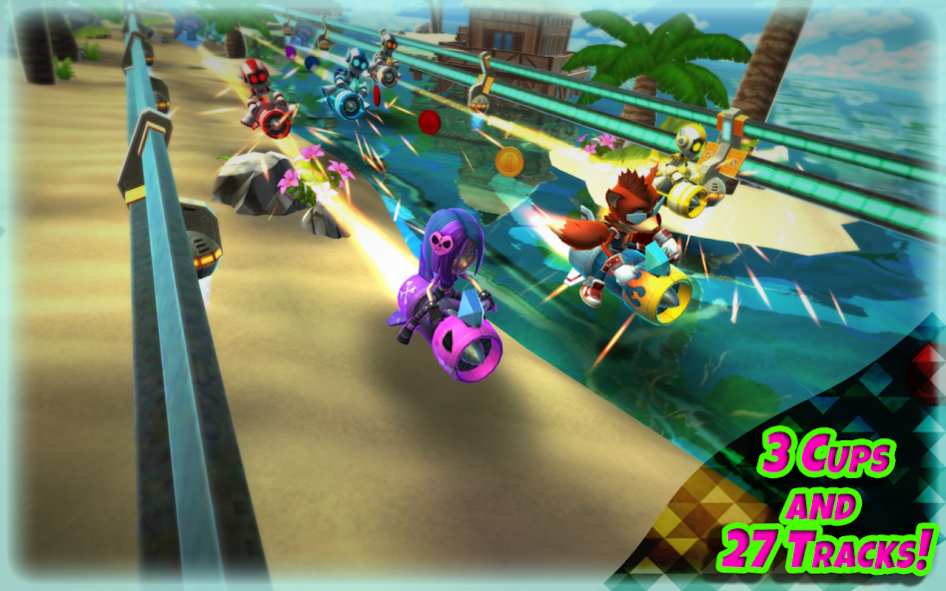
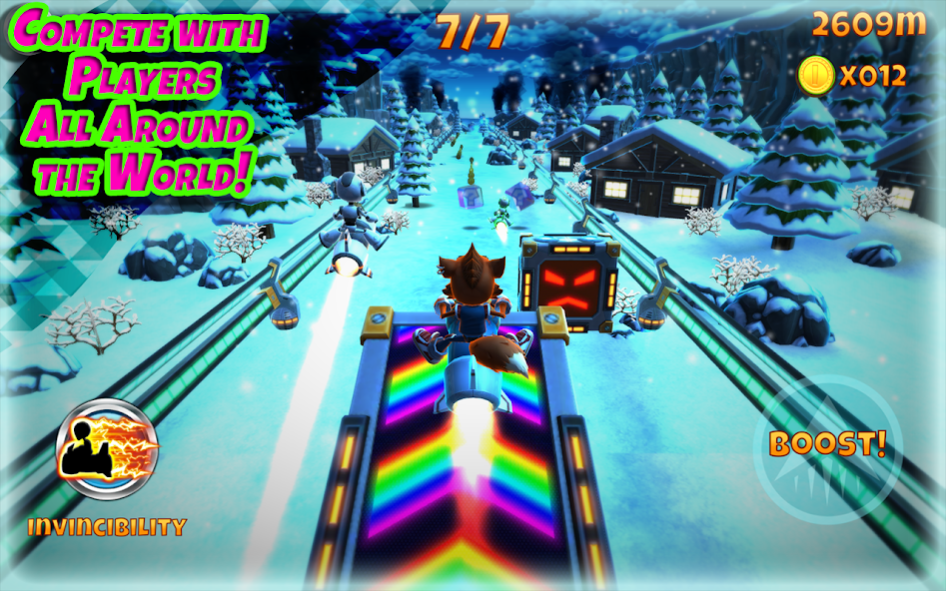
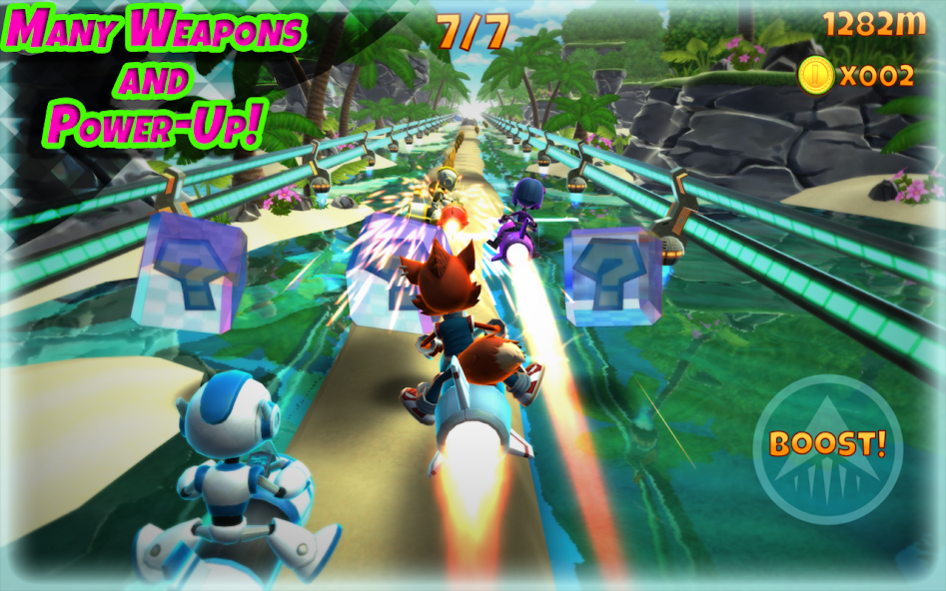
Race at the crazy rockets competition at amazing speed for an adrenalinic and exciting experience never seen before!
Overcome all the various tracks surrounded by fantastic environments ranging from colorful tropical beaches to super technological metropolis, passing by beautiful and snowy mountain landscapes.
Choose your character between Fox Rock and Sheena Ramone, jump in the competitions by pushing hard on the accelerator and using all sorts of weapons and special items to stop hopelessly your opponents race!
Finally, remember to accumulate money and use it in the shop to upgrade your racers to become a real fury impossible to overcome!
★ Features ★
- Complete all the 3 Cups (Beach, Mountain, City) and 27 Tracks!
- Use a variety of weapons and super powers to win every race!
- 3D graphics of the highest quality and in Full HD!!!
- Collect coins to buy several items and power-ups in a well assorted virtual store!
- Supports Google Play Games: compete with players all around the world thanks to leaderboards!
- Supports both smartphones and tablets!
- Supports any HID Gamepad!
- Supports Android TV!
For any question about this game contact us at support@catfishbluesgames.com
About Rocket Racer
The company that develops Rocket Racer is CatfishBlues Games. The latest version released by its developer is 1.0.5.
To install Rocket Racer on your Android device, just click the green Continue To App button above to start the installation process. The app is listed on our website since 2016-12-22 and was downloaded 0 times. We have already checked if the download link is safe, however for your own protection we recommend that you scan the downloaded app with your antivirus. Your antivirus may detect the Rocket Racer as malware as malware if the download link to com.CatfishBlues.RocketRacer is broken.
How to install Rocket Racer on your Android device:
- Click on the Continue To App button on our website. This will redirect you to Google Play.
- Once the Rocket Racer is shown in the Google Play listing of your Android device, you can start its download and installation. Tap on the Install button located below the search bar and to the right of the app icon.
- A pop-up window with the permissions required by Rocket Racer will be shown. Click on Accept to continue the process.
- Rocket Racer will be downloaded onto your device, displaying a progress. Once the download completes, the installation will start and you'll get a notification after the installation is finished.
Program Details
System requirements
Download information
Pricing
Version History
version 1.0.5
posted on 2016-12-22
- Optimizations!
Disclaimer
Official Google Play Link
We do not host Rocket Racer on our servers. We did not scan it for viruses, adware, spyware or other type of malware. This app is hosted by Google and passed their terms and conditions to be listed there. We recommend caution when installing it.
The Google Play link for Rocket Racer is provided to you by apps112.com without any warranties, representations or guarantees of any kind, so access it at your own risk.
If you have questions regarding this particular app contact the publisher directly. For questions about the functionalities of apps112.com contact us.
